
How to Install a CTM Magazine Extension on Your AAP-01
- Posted on
- By AEX News

Want more BB capacity and better gas efficiency from your AAP-01? This guide walks you through installing a CTM magazine extension, including required tools, magazine disassembly, and final assembly tips.
CTM AAP-01 Magazine Extension Installation Guide
Hello and welcome back to another Airsoft Extreme Blog! Today, we'll be walking through the installation of the CTM Magazine Extension for the AAP-01. (See Picture 1)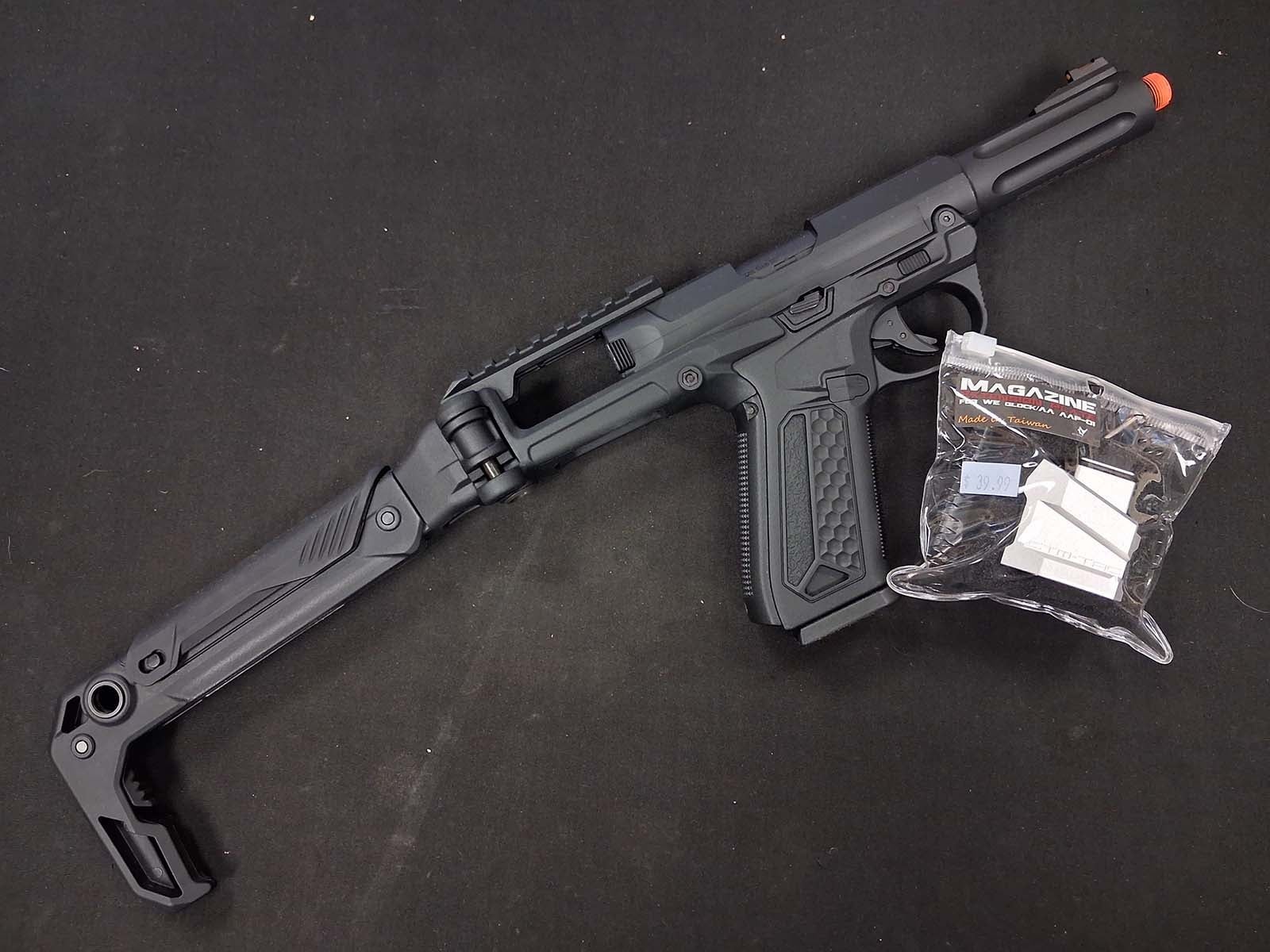
What's Included?
When you purchase the CTM Magazine Extension, you'll receive the following components: (See Picture 2)
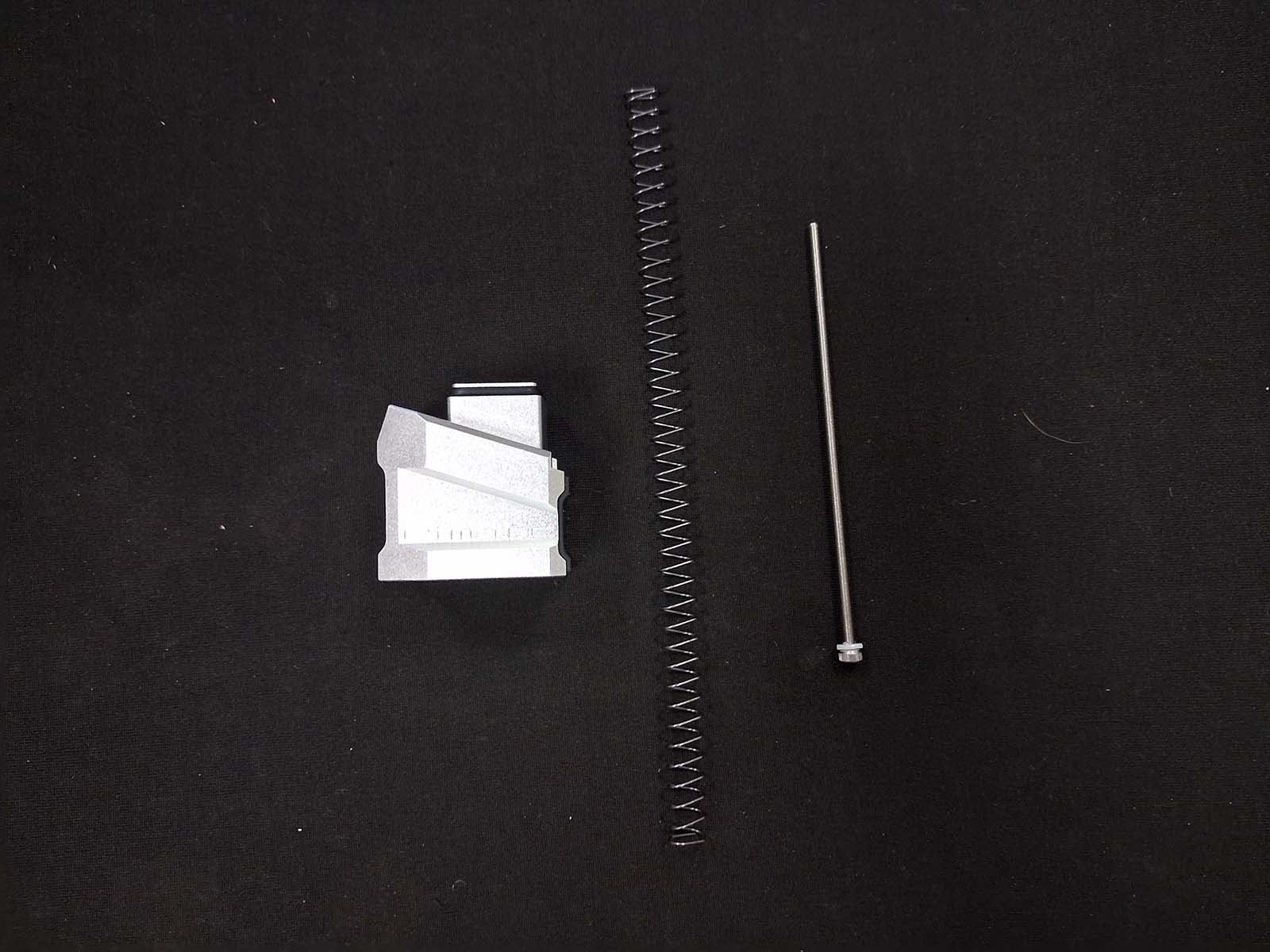
- Magazine Extension
- Extended Follower Spring
- Replacement Screw with Nylon O-Ring
Required Tools
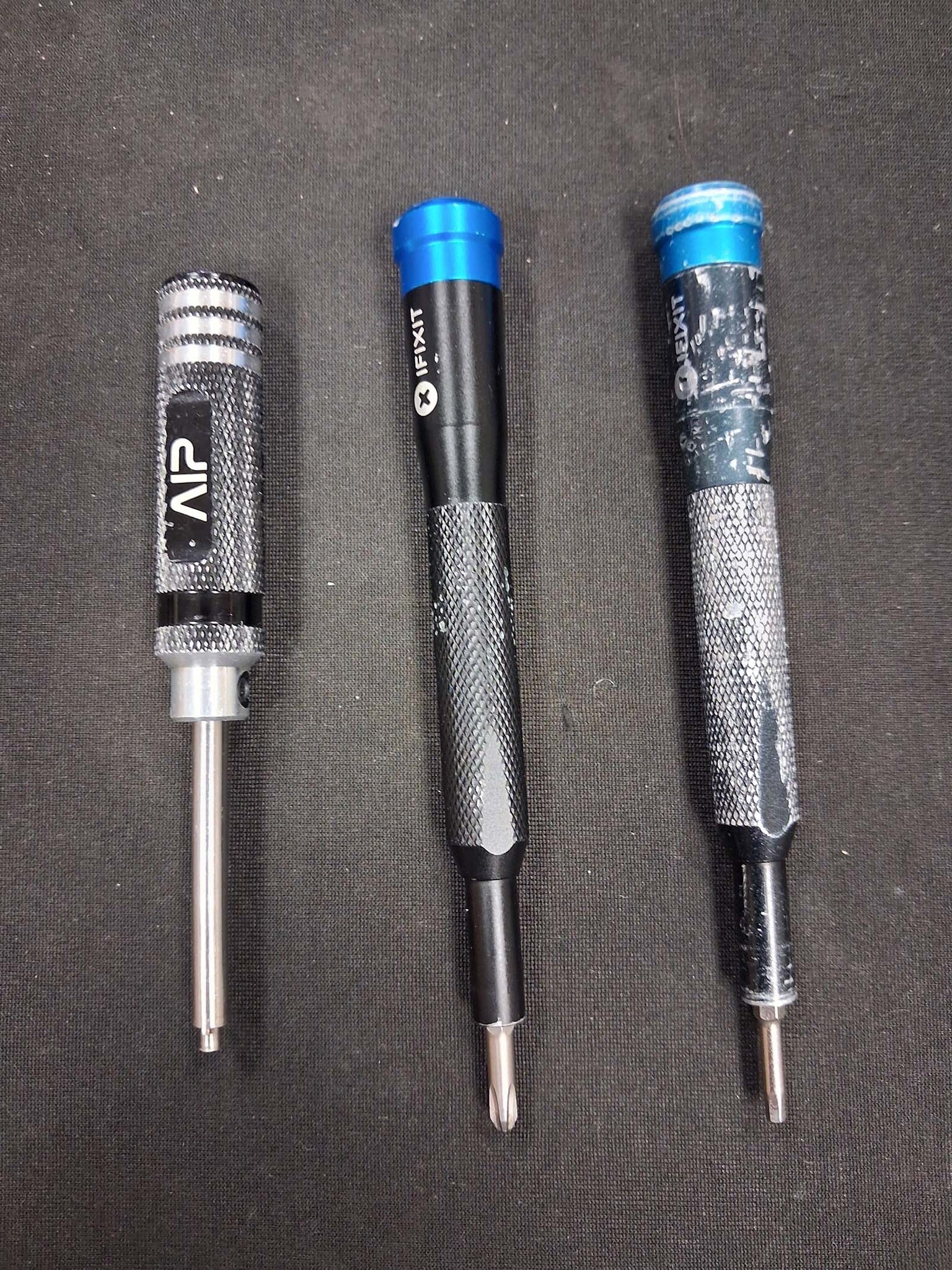
Before getting started, gather the following tools: (See Picture 3).
- Valve Tool
- Phillips Screwdriver
- 2.5mm Allen Driver
Step 1: Remove the OEM Base Plate
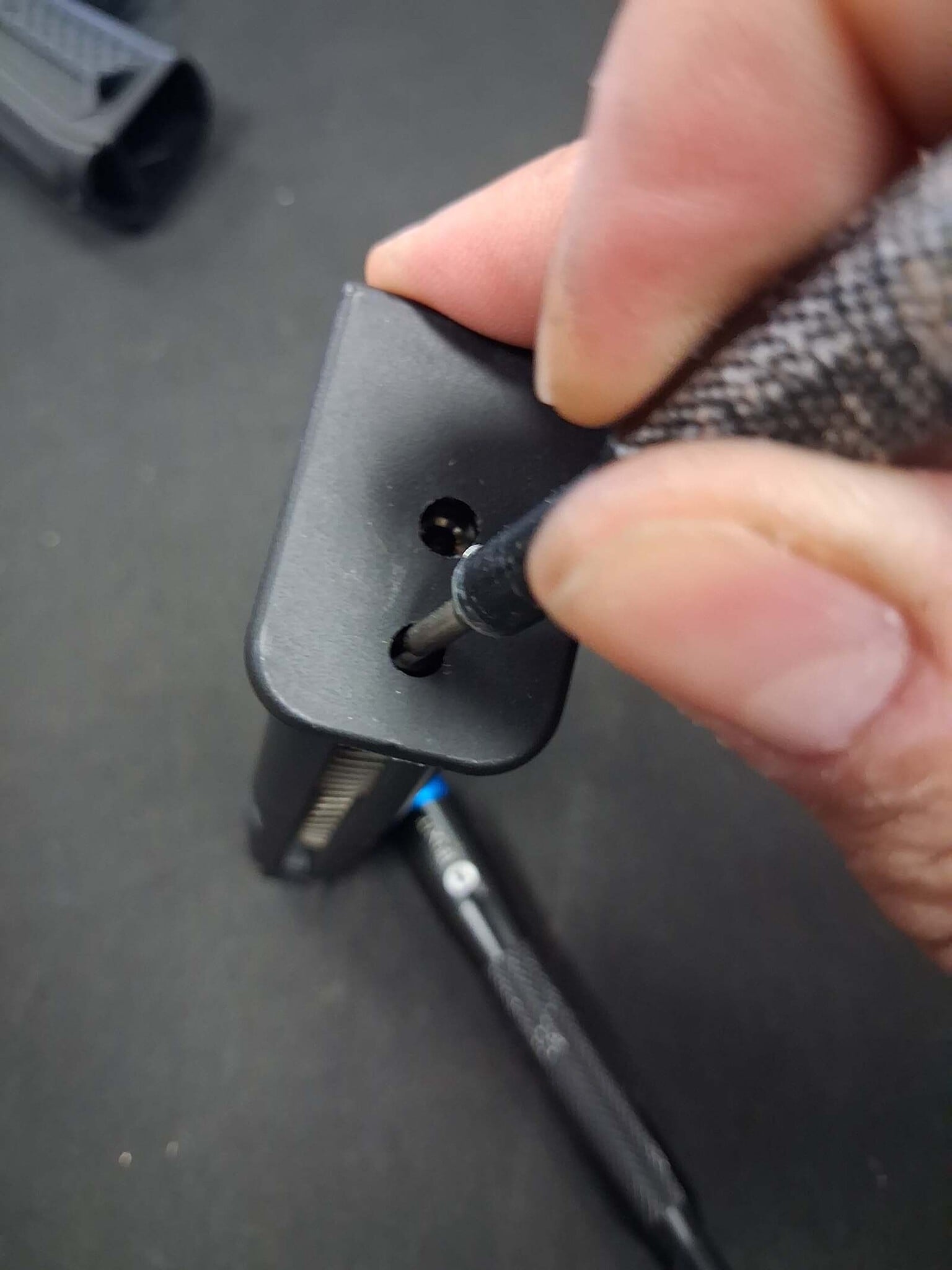
Begin by removing the factory magazine base plate. (See Picture 4 & Picture 5)
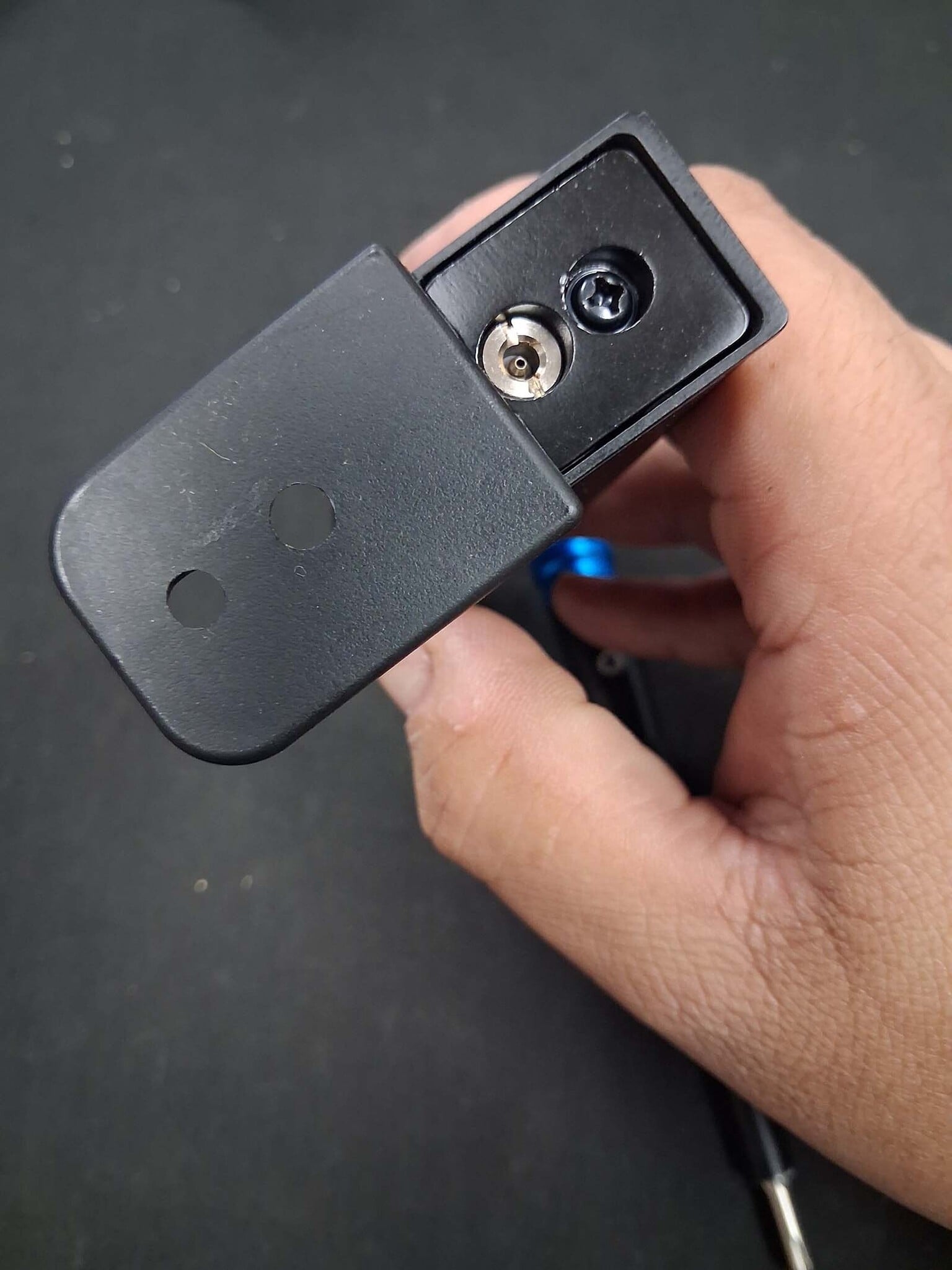
Step 2: Remove the Gas Inlet Valve
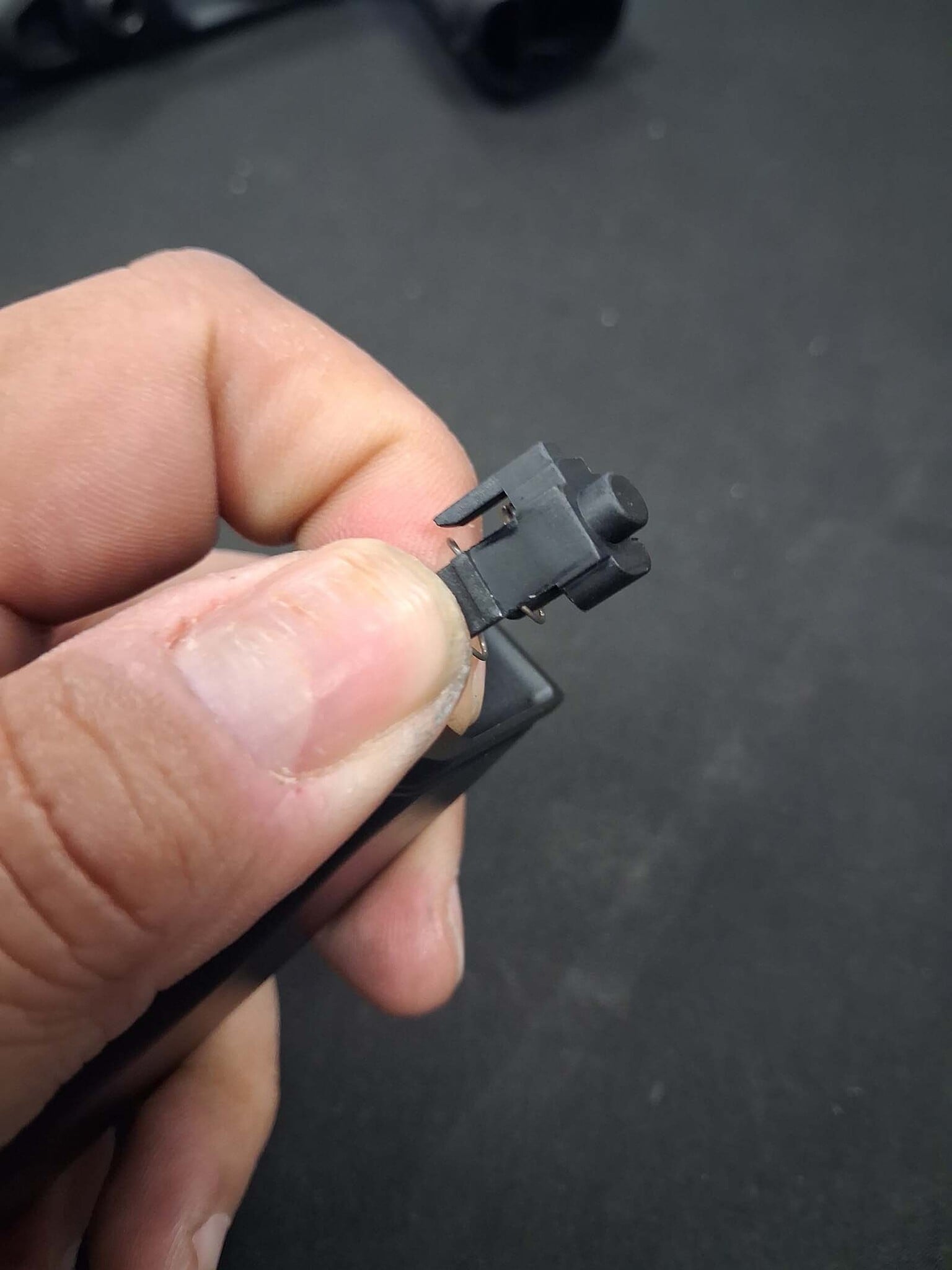
With the base plate removed, use your valve tool to remove the gas inlet valve from the magazine. Important: Set the valve aside in a safe location, as you'll be reinstalling it later. (See Picture 6)
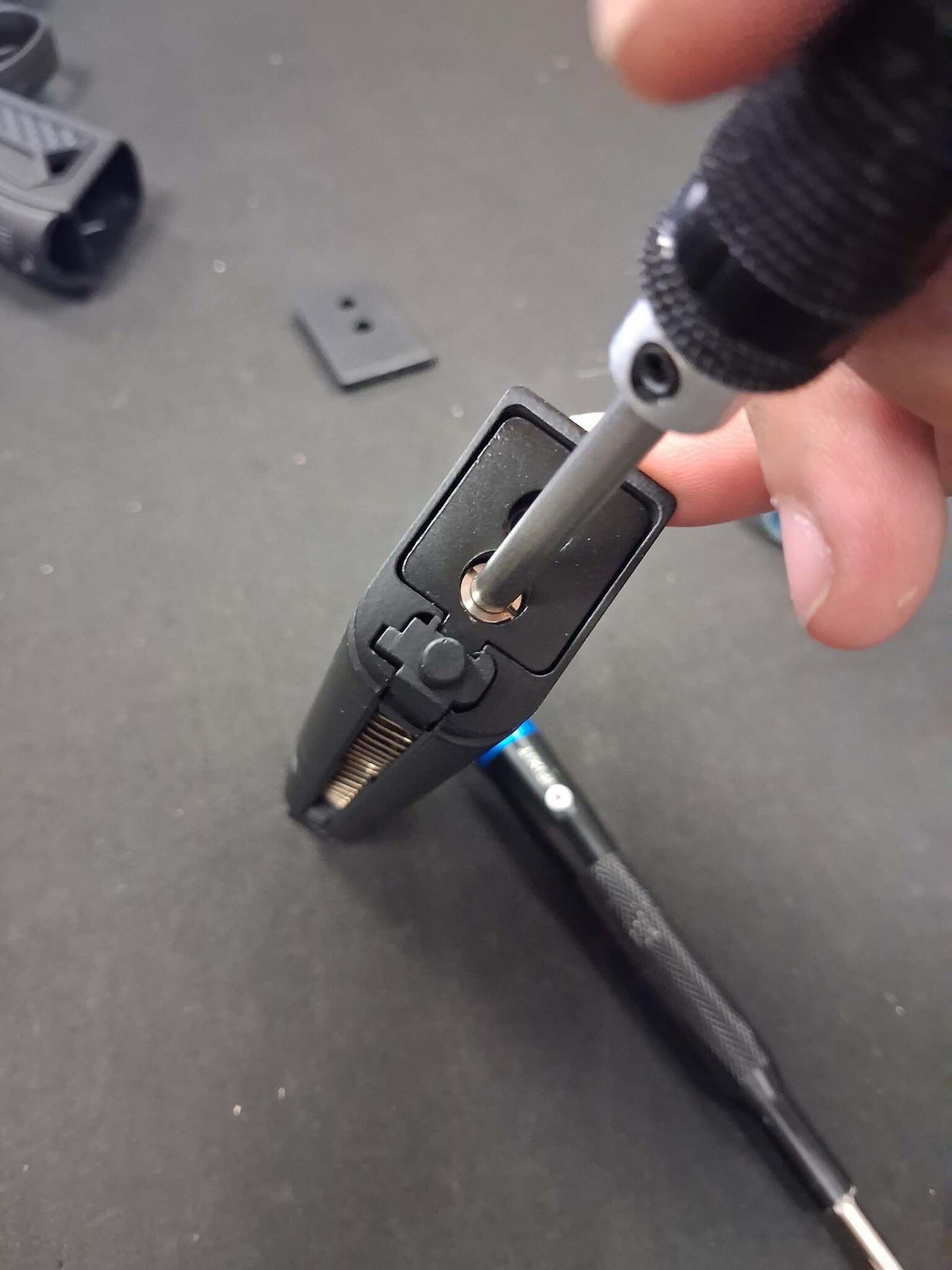
Step 3: Remove the Magazine Base
Using a Phillips screwdriver, remove the retaining screw from the bottom of the magazine. Once removed, the magazine base can be separated from the body. (See Picture 7 & Picture 8)
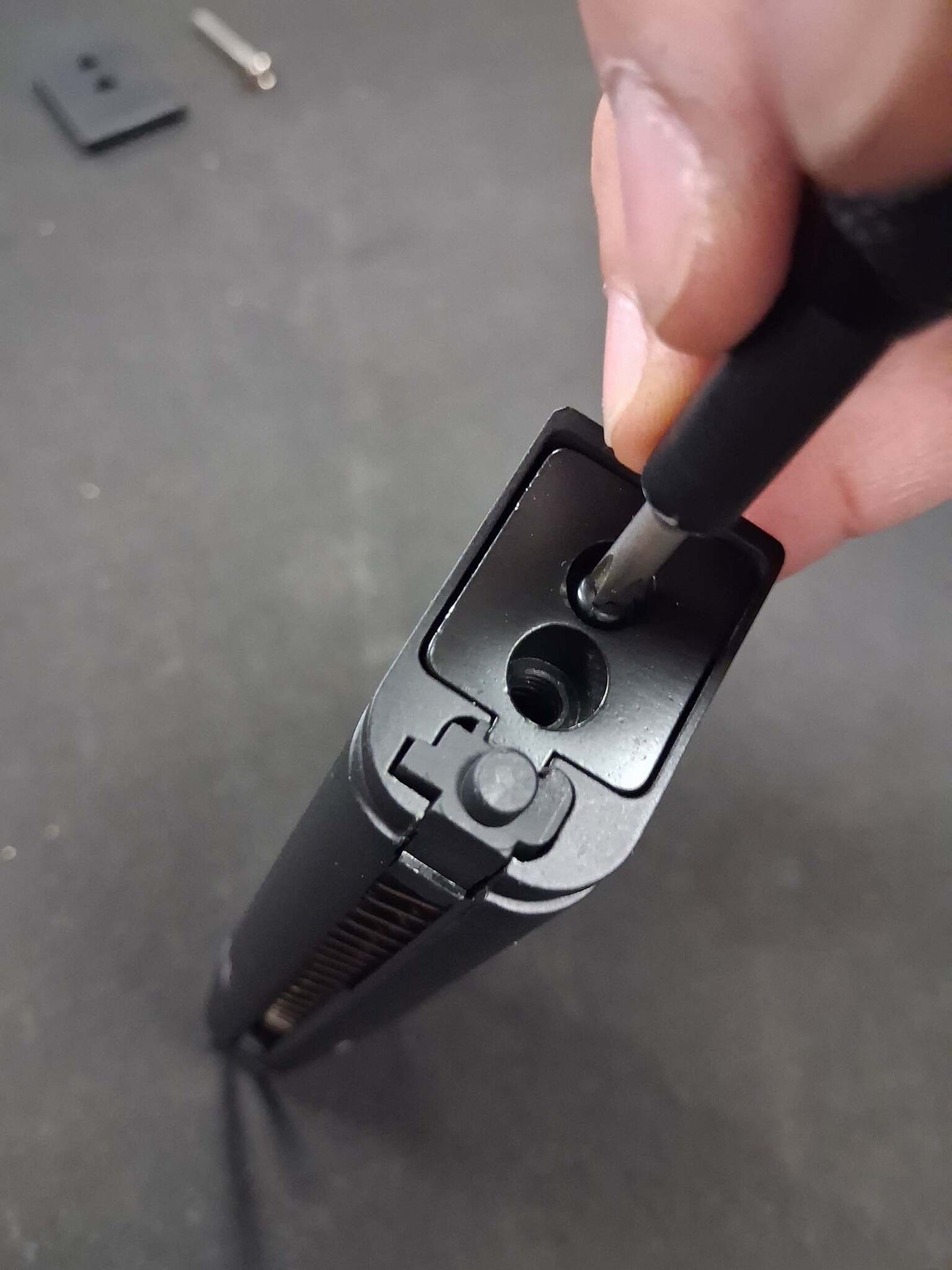
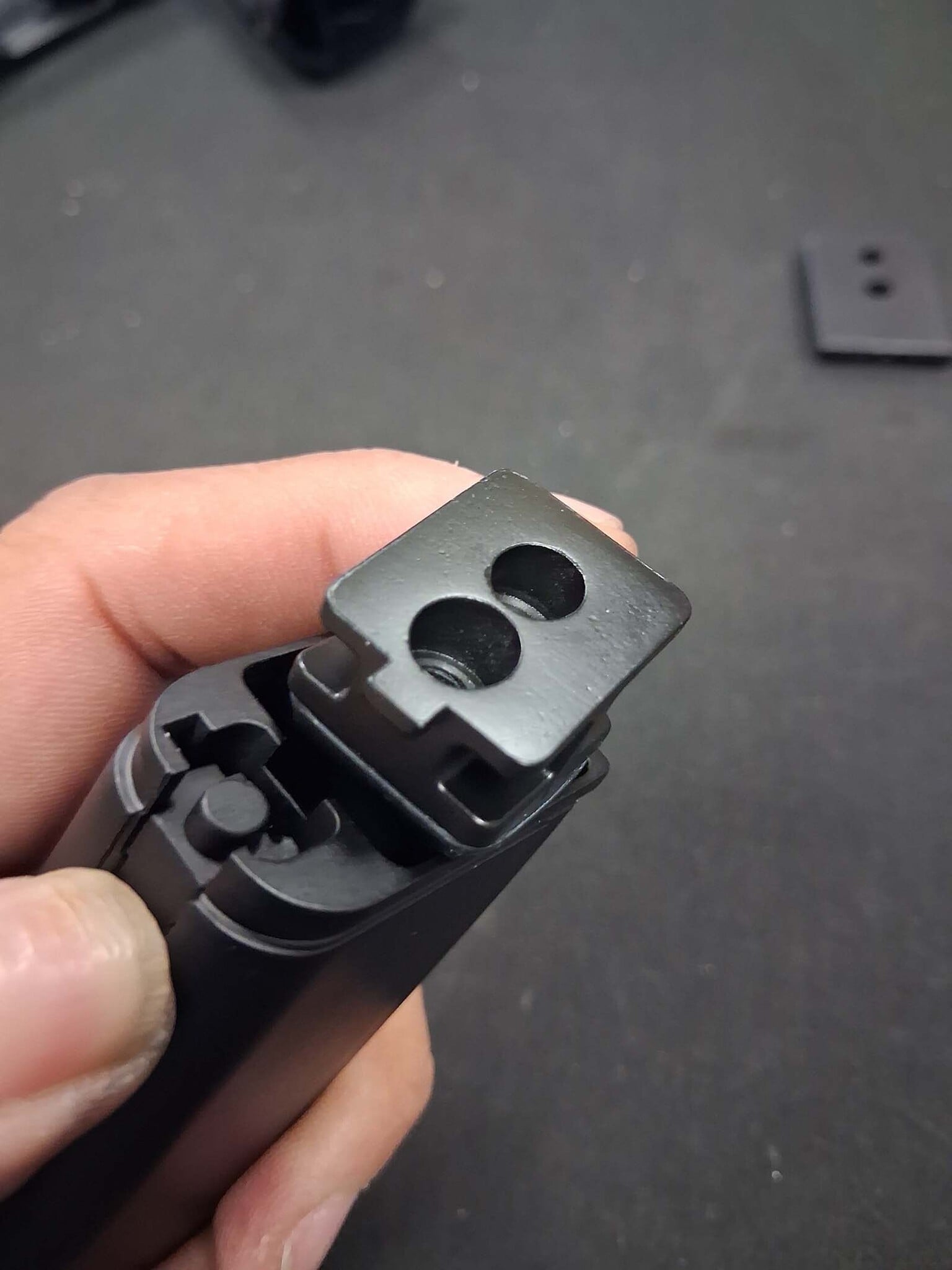
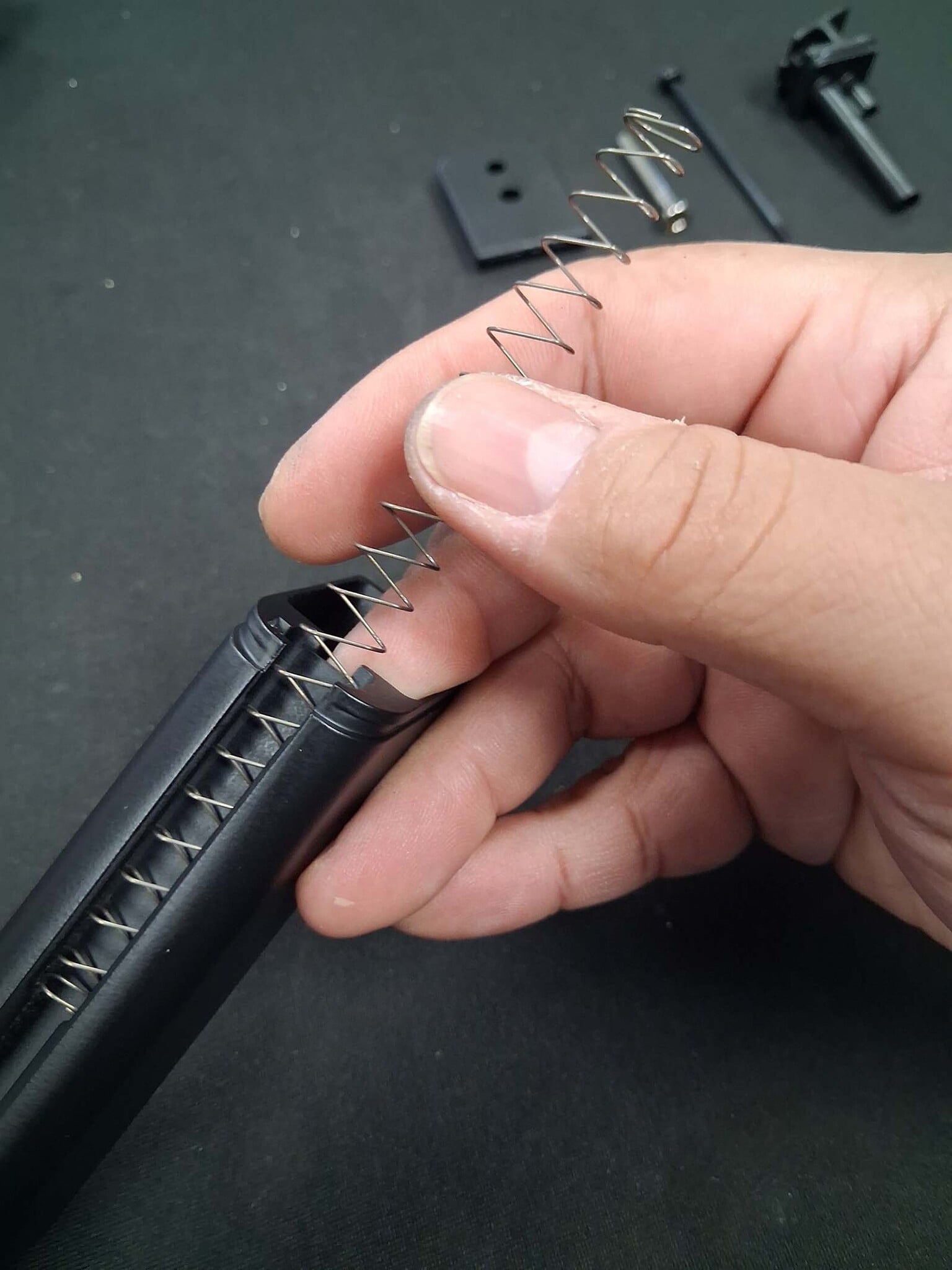
Warning: The magazine internals are under spring tension. Be careful during disassembly, as components can launch unexpectedly if not controlled.
Step 4: Remove the Internal Components
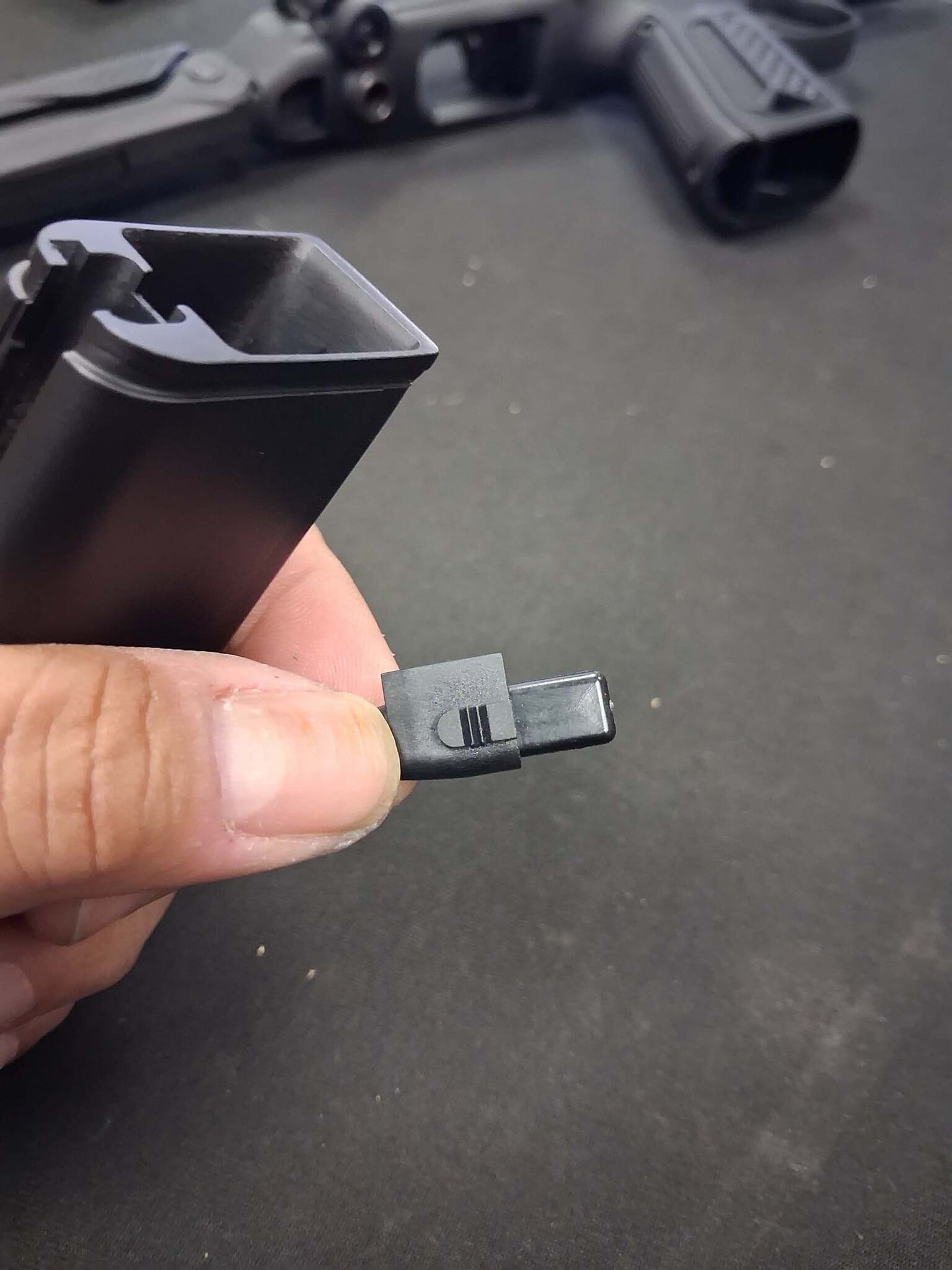
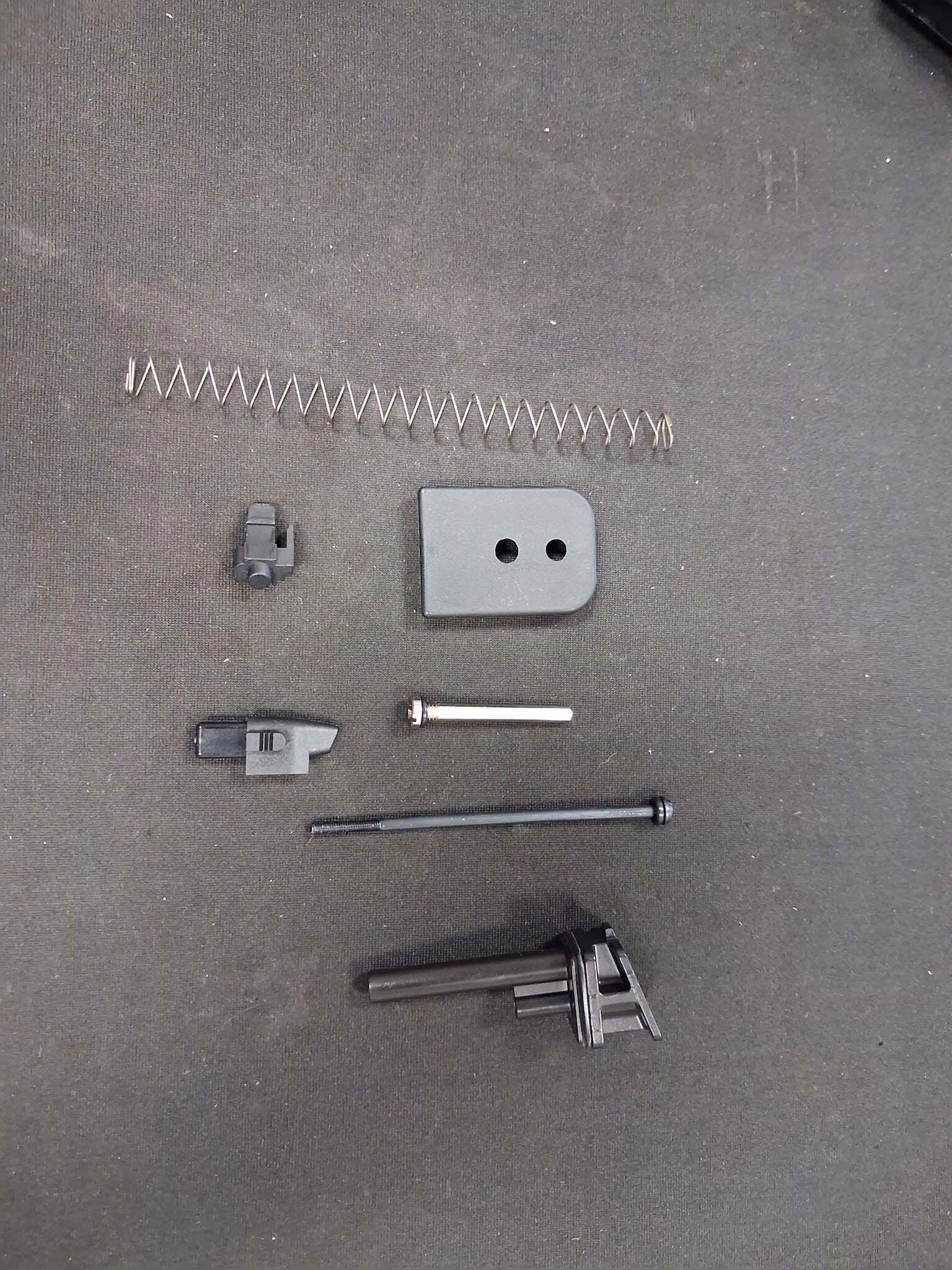
With the magazine base removed, take out the following components:
- Base plate plunger
- Plunger spring
- Follower assembly
(See Picture 9, Picture 10, Picture 11 & Picture 12)
Step 5: Assemble the CTM Extension
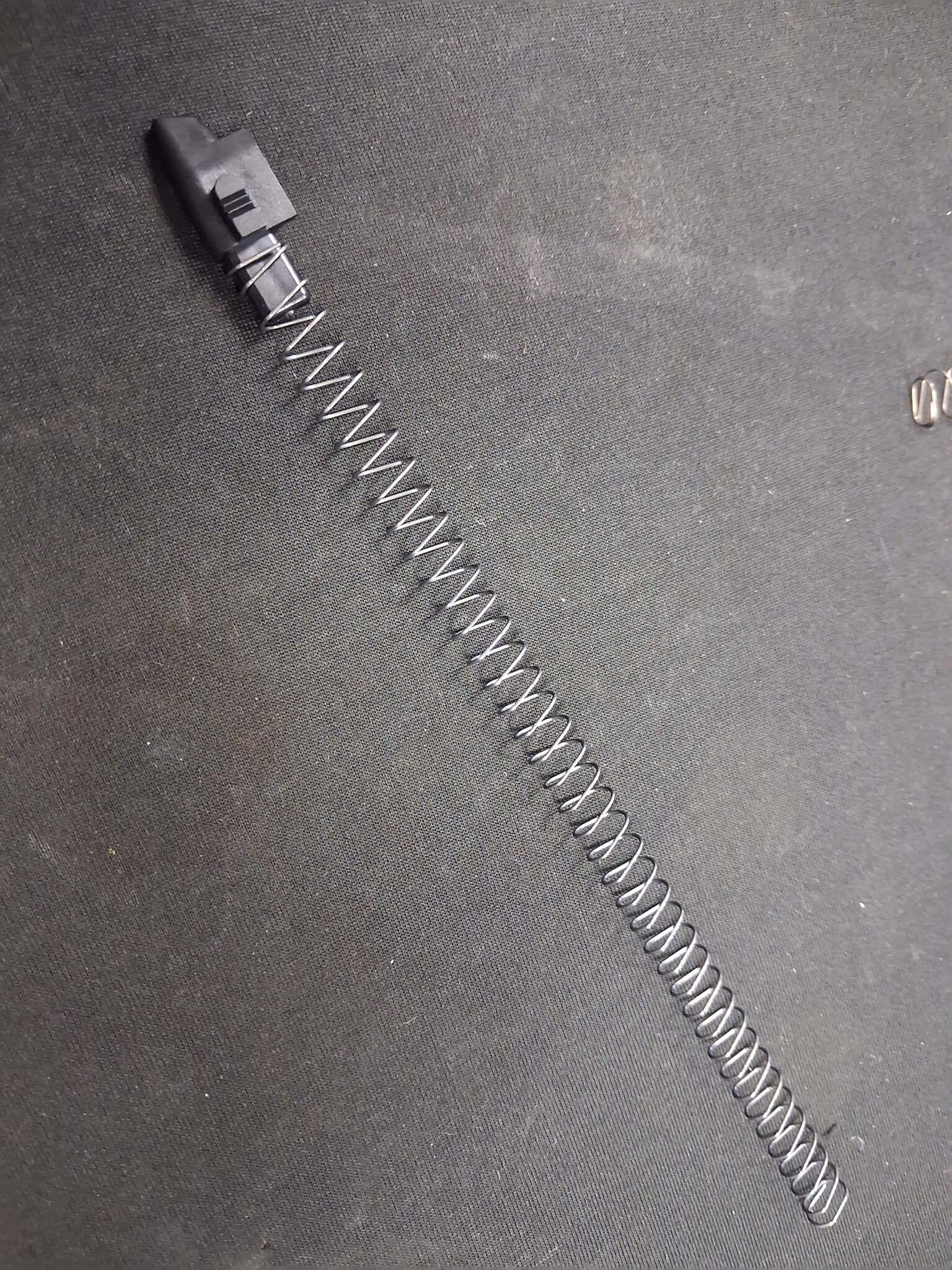
Install the follower onto the top of the CTM-supplied spring. Next, install the base plate plunger into the CTM extension body. (See Picture 13, Picture 14 & Picture 15)
Step 6: Reassemble the Magazine
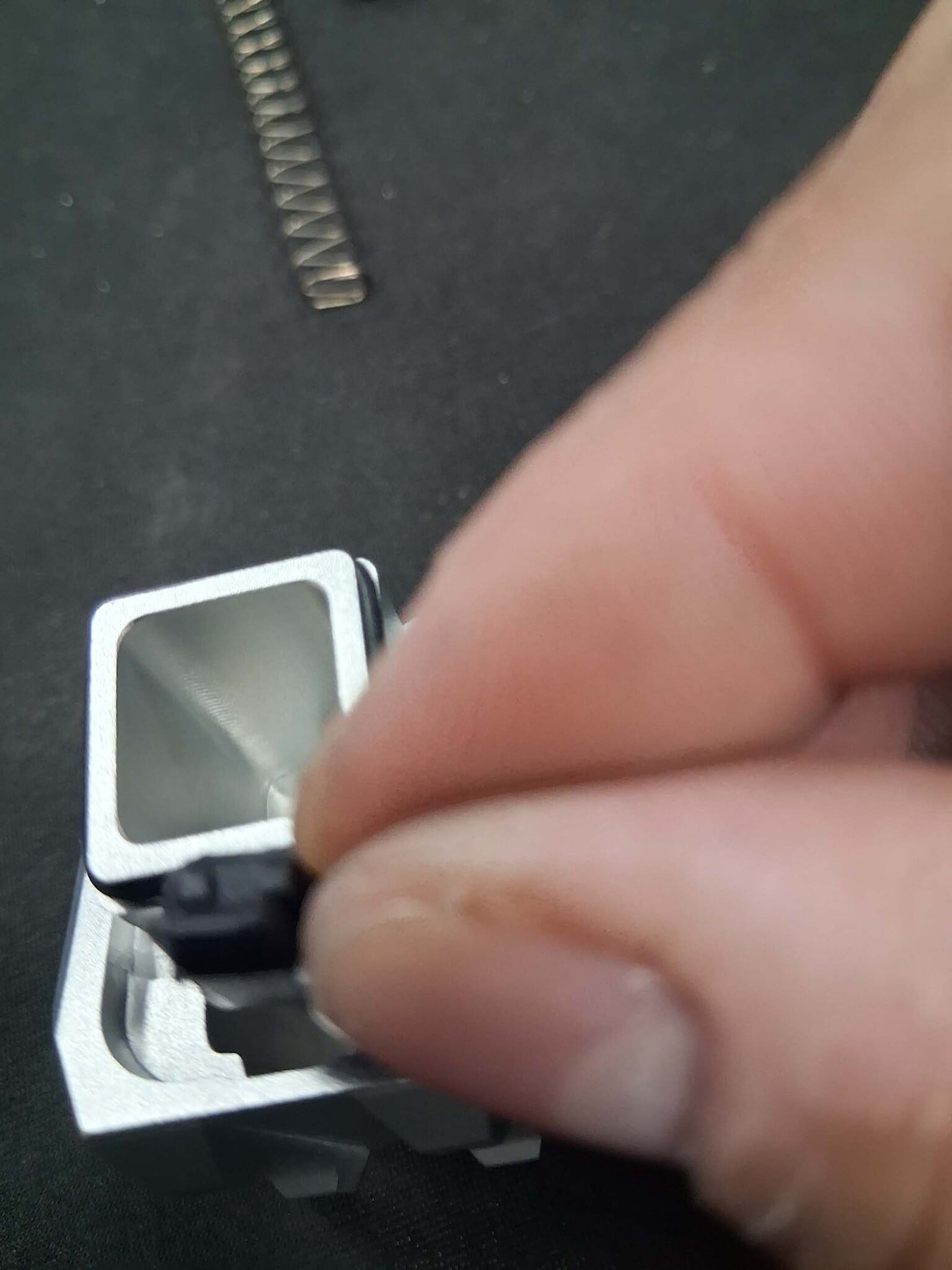
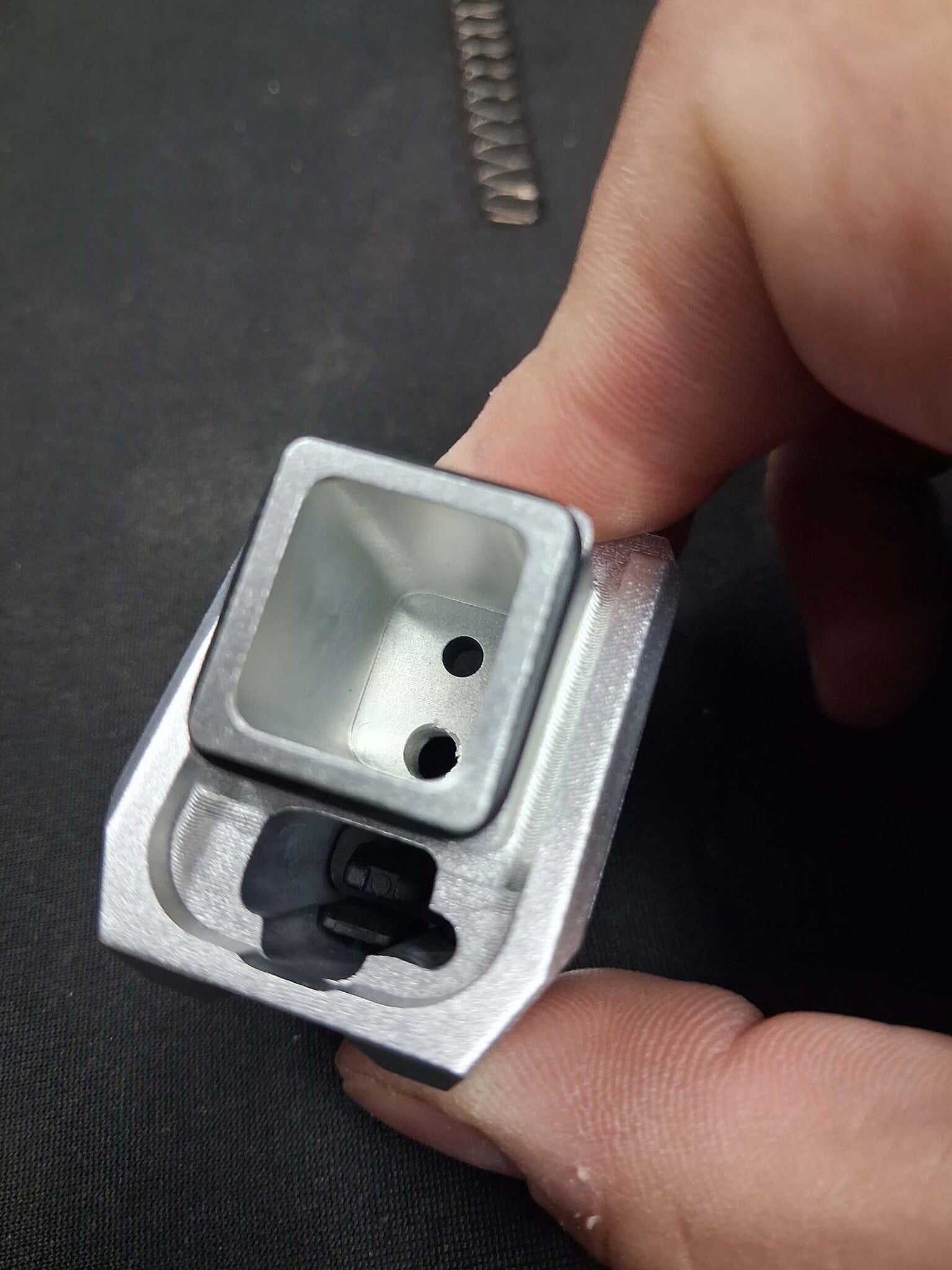
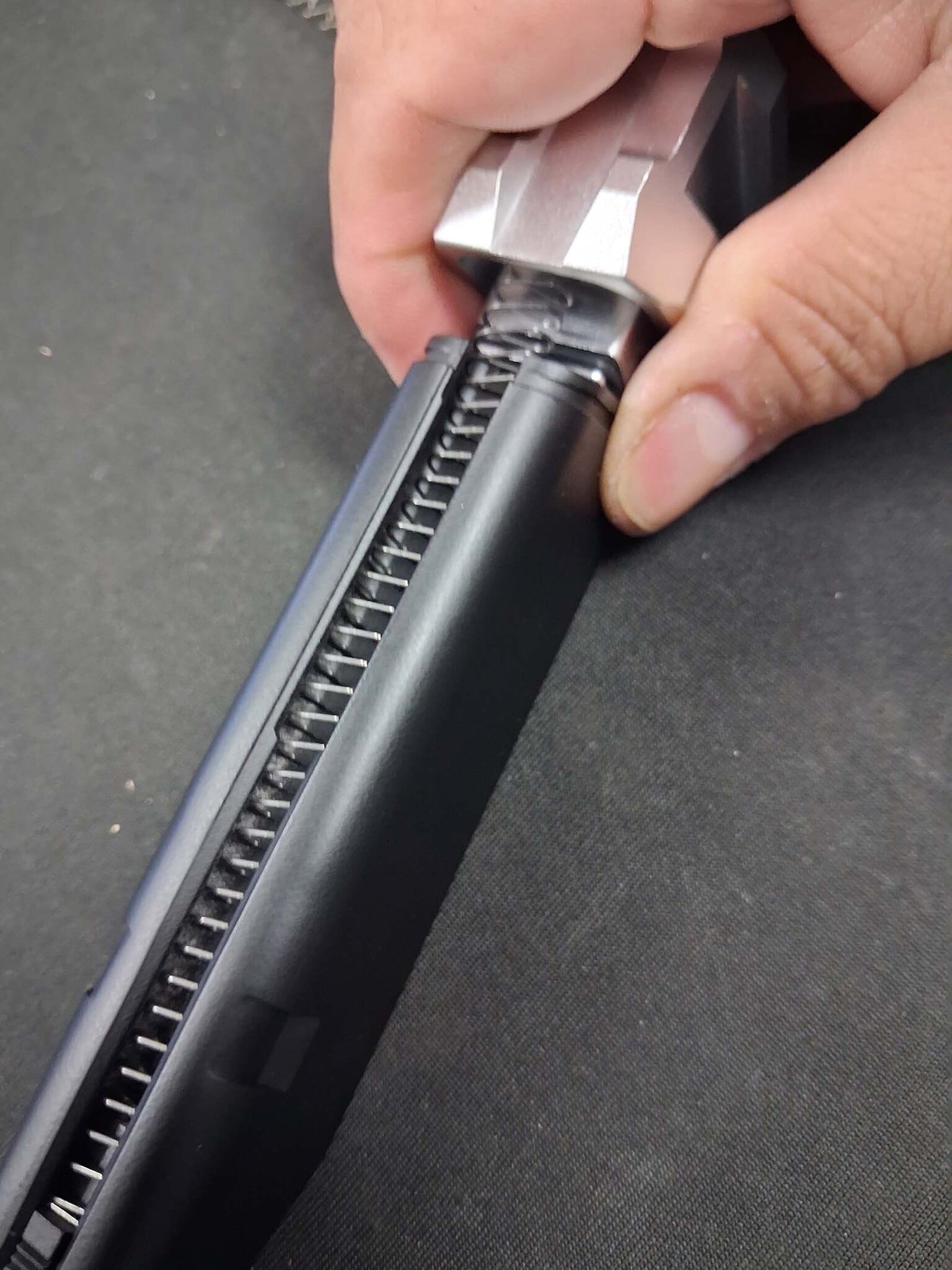
Insert the follower, spring, and extension assembly into the magazine body. Secure everything using the CTM-provided screw and tighten it with your 2.5mm Allen driver. (See Picture 16 & Picture 17)
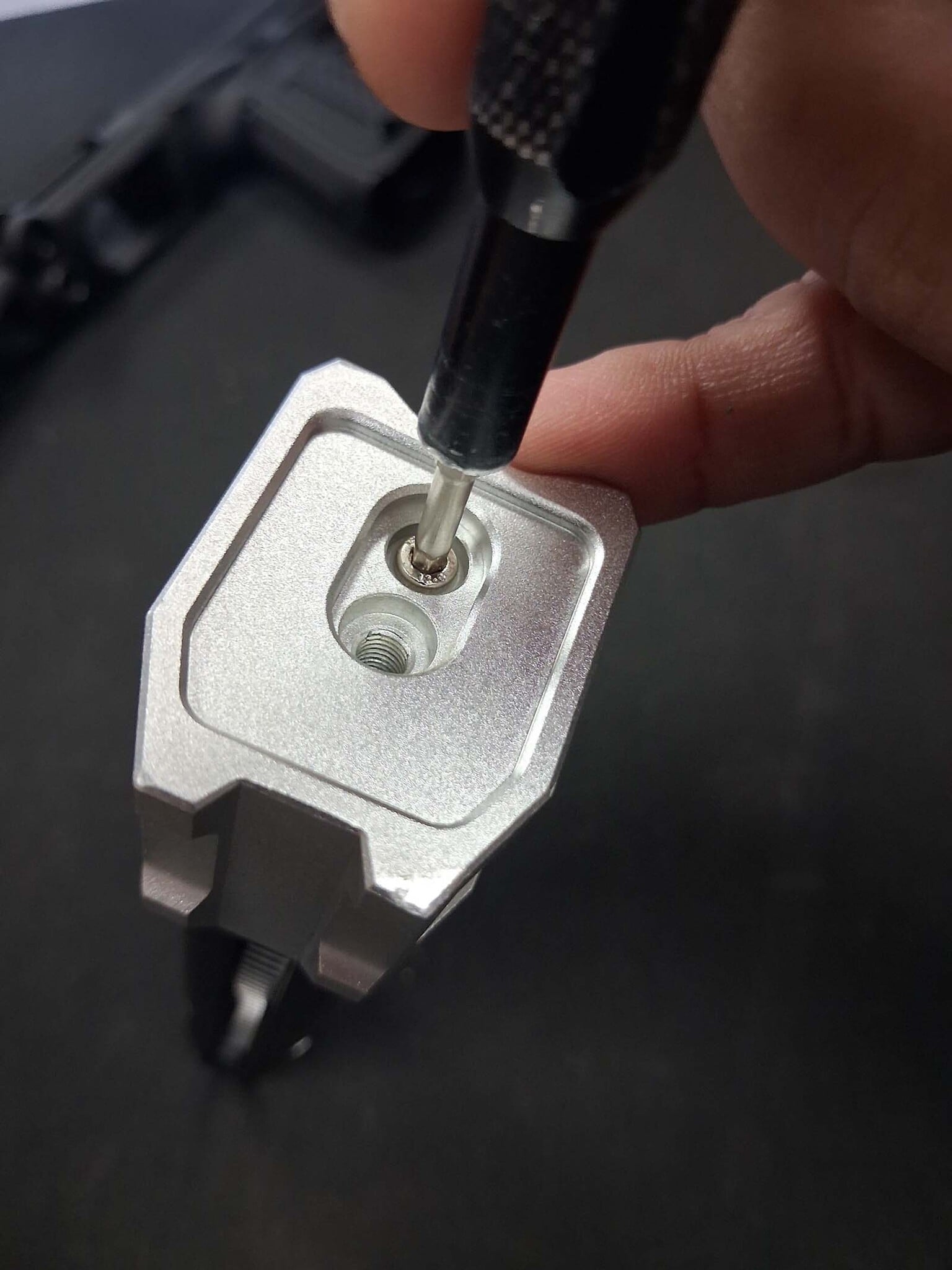
Step 7: Reinstall the Gas Inlet Valve
Using your valve tool, reinstall the gas inlet valve into the CTM extension. (See Picture 18 & Picture 19)
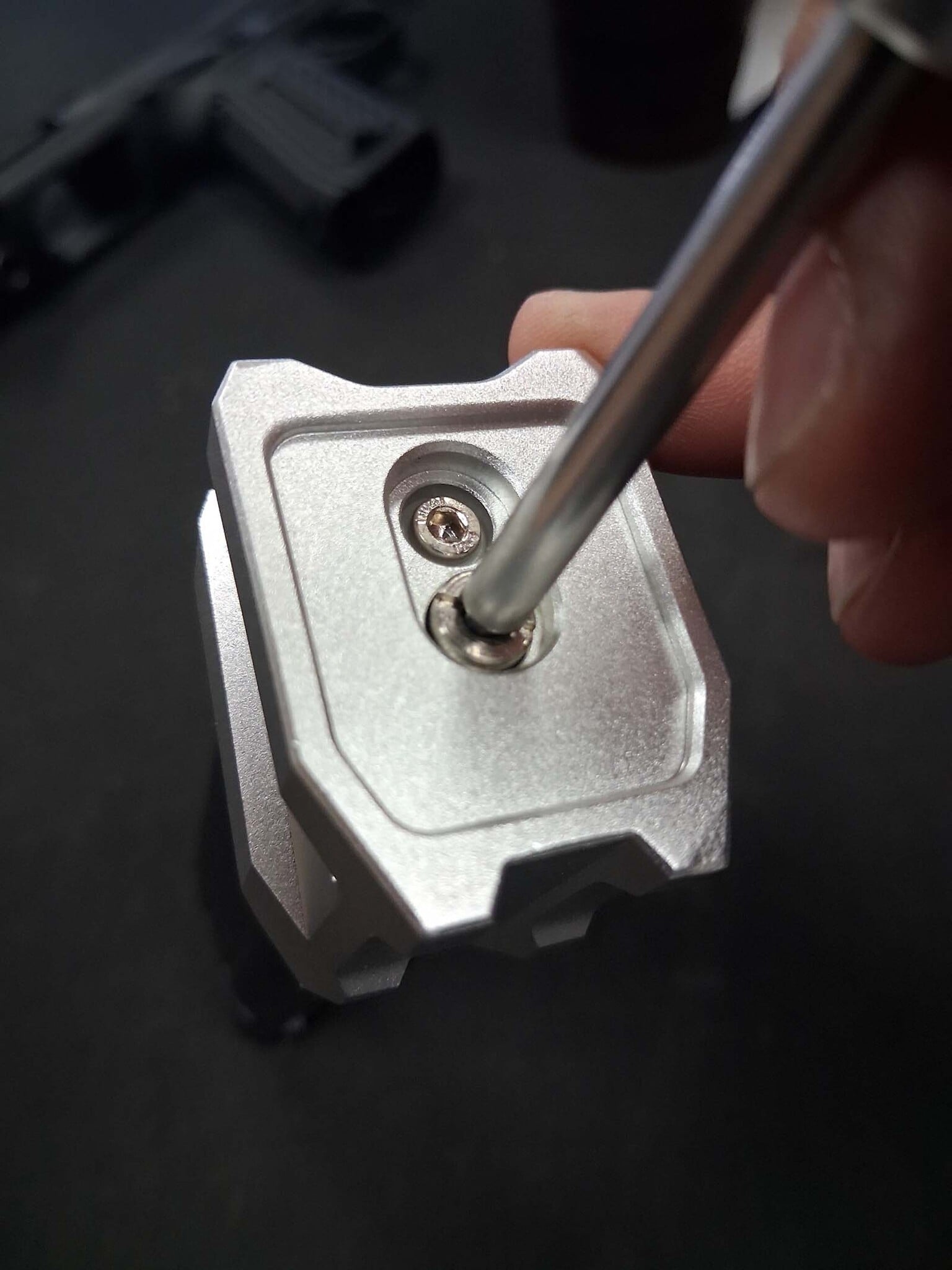
The Results
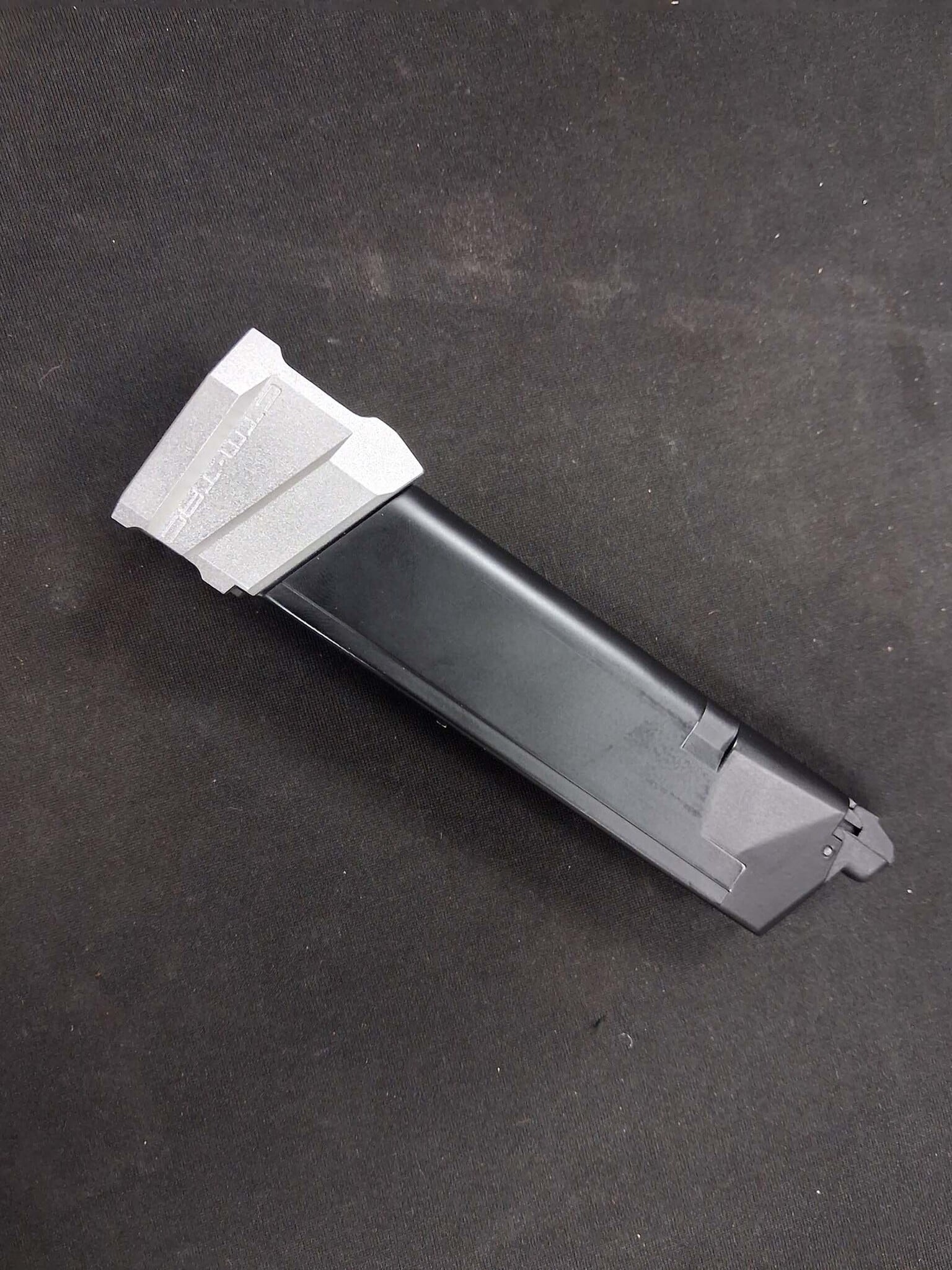
Congratulations! Your AAP-01 magazine now holds 28 rounds while also providing additional gas capacity. The increased gas volume can help improve shot count and overall gas efficiency, while the extension itself adds a custom look that really enhances the appearance of your AAP-01. (See Picture 20)
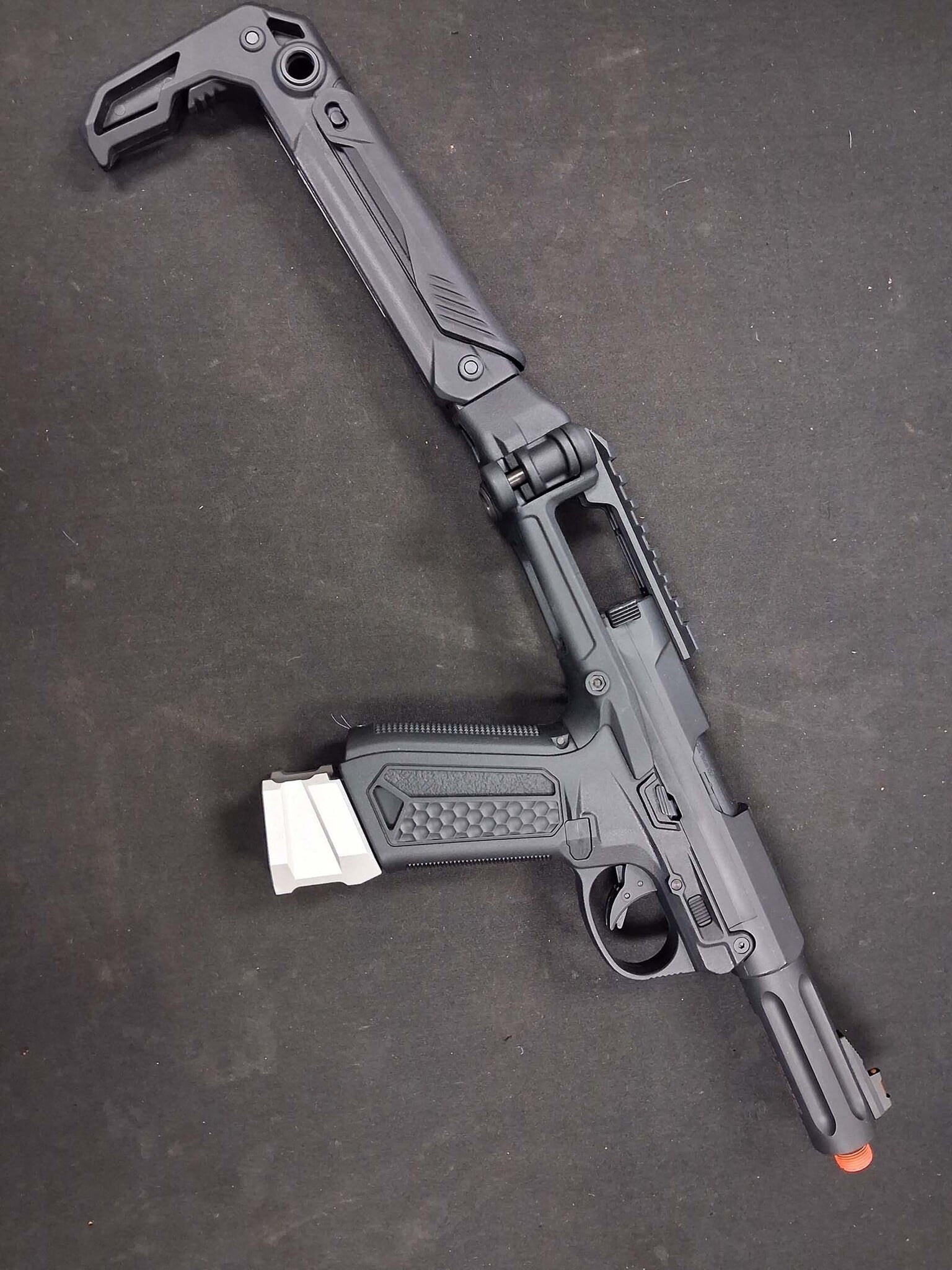
Final Thoughts
We hope you enjoyed today's installation guide and found it helpful. Whether you're upgrading for performance, capacity, or style, the CTM Magazine Extension is a simple modification that offers benefits in all three categories. Play safe, have fun, and we look forward to seeing you again in our next Airsoft Extreme Blog!


